|
INSTALLING TOTAL ANNIHILATION TO PLAY ONLINE
Steps 1-5 install the original game. Steps 6-7 are highly recommended for multiplayer. Steps 8-10 are optional.
Install Total Annihilation Disc 1 (click image below to download) Step 1
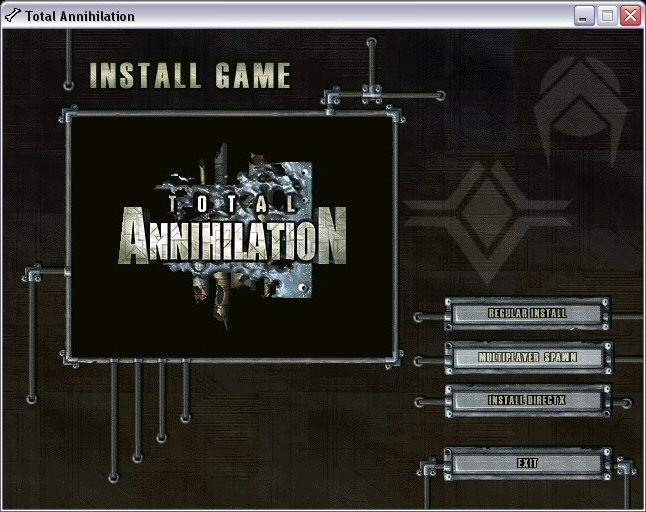
Choose "MULTIPLAYER SPAWN".
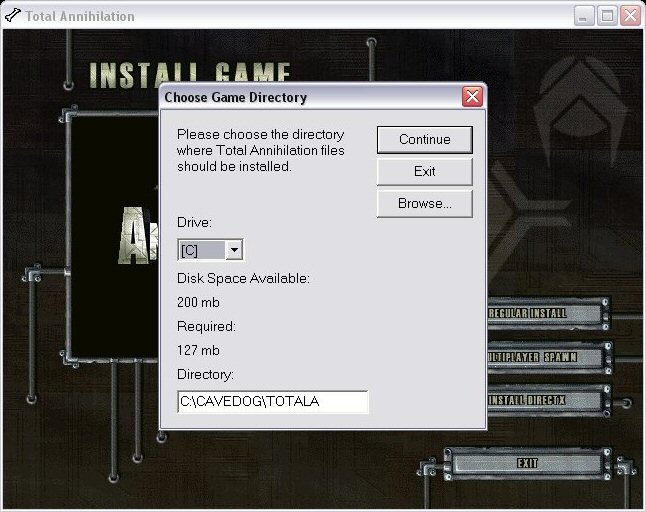
Install to C:\CAVEDOG\TOTALA.
Disc 2 contains the single player missions and is not required for multiplayer.
Install The Core Contingency Expansion Pack Step 2
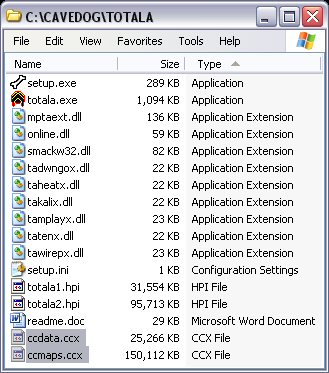
If you don't have the disc, put ccdata.ccx and ccmaps.ccx in C:\CAVEDOG\TOTALA.
If you want the single player missions, include ccmiss.ccx.
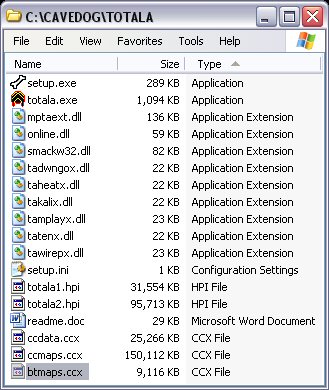
Install Battle Tactics Expansion Pack Step 3
If you don't have the disc, put btmaps.ccx in C:\CAVEDOG\TOTALA.
If you want the single player missions, include btdata.ccx, tactics1.hpi, tactics2.hpi, tactics3.hpi, tactics4.hpi, tactics5.hpi, tactics6.hpi, tactics7.hpi and tactics8.hpi.
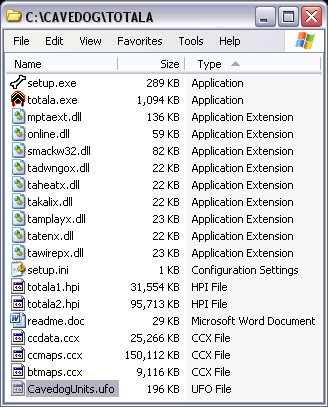
Install Cavedog Units Step 4
Download CavedogUnits.ufo and put in C:\CAVEDOG\TOTALA.
Install Cavedog Patch 3.1 Step 5
Download patch31c.exe to your desktop and then double-click to run it.
Install TA Demo Recorder 99ß2 Step 6
Download tademo99b2.exe to your desktop and then double-click to run it.
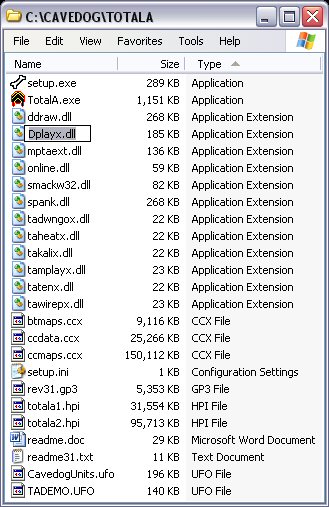
Install TA Demo Recorder Upgrade 1.0.0.545 Step 7
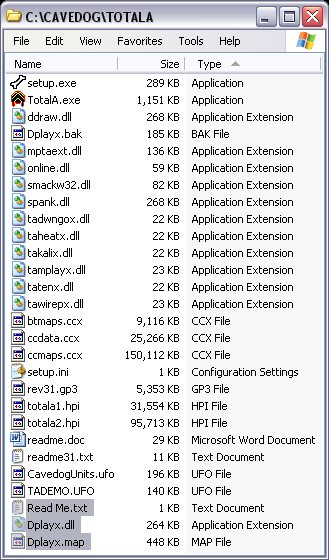
Download tadr1.0.0.545.zip and, if desired, make a backup of Dplayx.dll.
Copy the 3 files to C:\CAVEDOG\TOTALA.
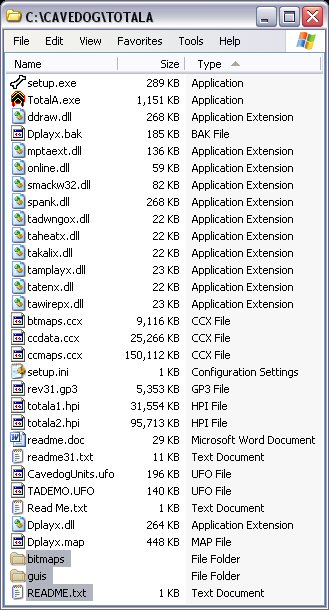
Install Battleroom Graphical User Interface (GUI) Upgrade Step 8
Download BattleroomGUI.zip and copy the 3 files to C:\CAVEDOG\TOTALA.
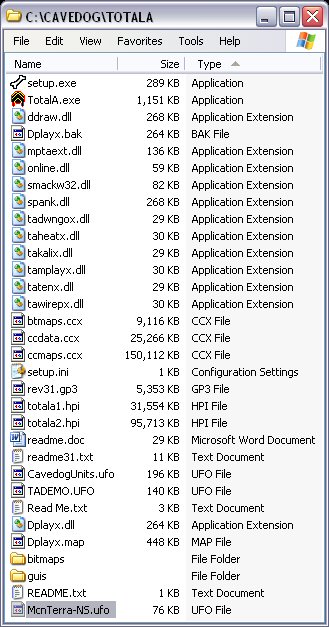
Install McnTerra-NS Recorder Playback Fix Step 9
Download McnTerra-NS.ufo and put in C:\CAVEDOG\TOTALA.
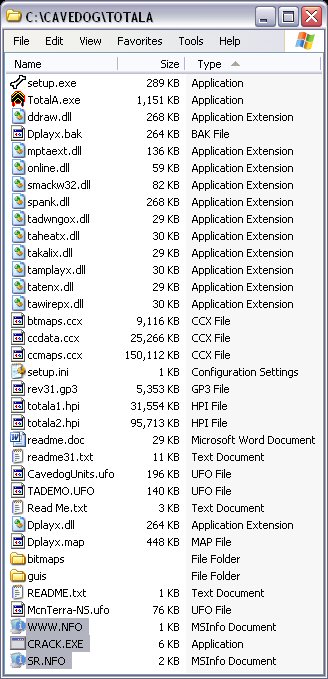
Install No-CD Crack Step 10
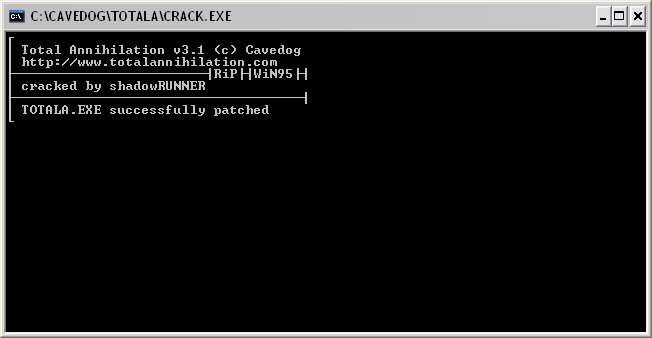
Download cdcrack.zip and copy the 3 files to C:\CAVEDOG\TOTALA.
Double-click CRACK.EXE to run; hit ESC to close window.
NOTE: If this doesn't work, you probably have a 64-bit operating system. Instead, download TA-Thing2.zip and replace TotalA.exe in C:\CAVEDOG\TOTALA.
You are done. GL & HF
|